
For YouTube fans
Be the first
comment.
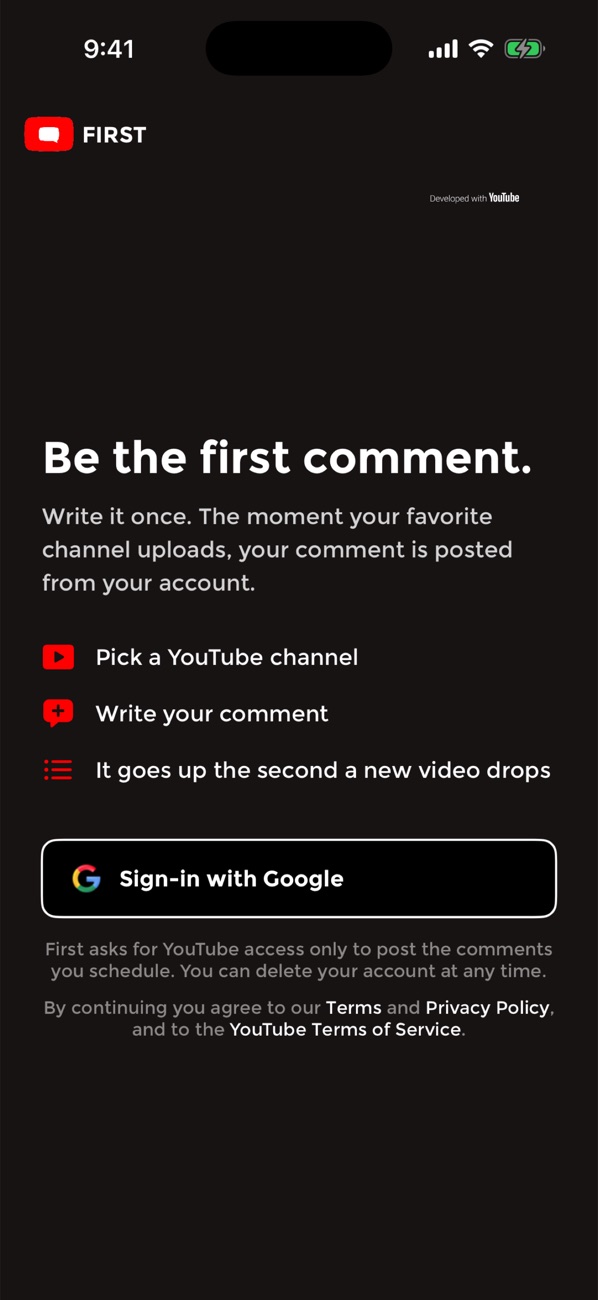
Write it once. The moment your favorite channel uploads, your comment is posted on YouTube from your own channel, before anyone has even finished loading the video.
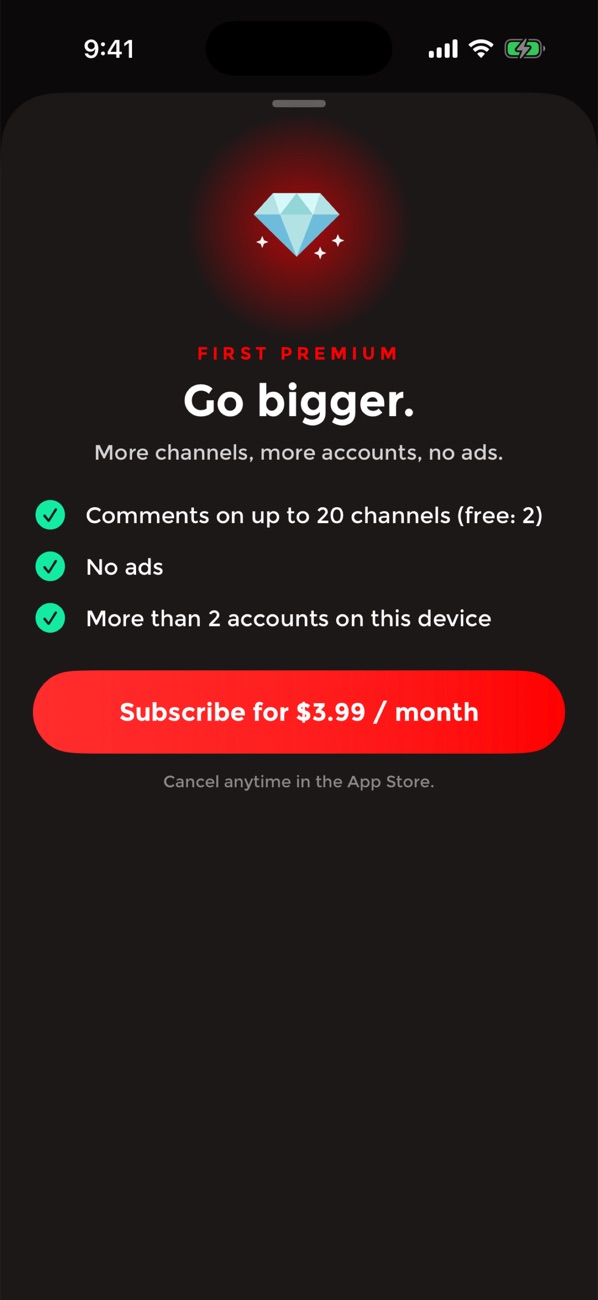
Free. Premium is $3.99 a month, cancel anytime. In English, Spanish and French.
How it works
Three steps, then you forget about it until your phone buzzes.
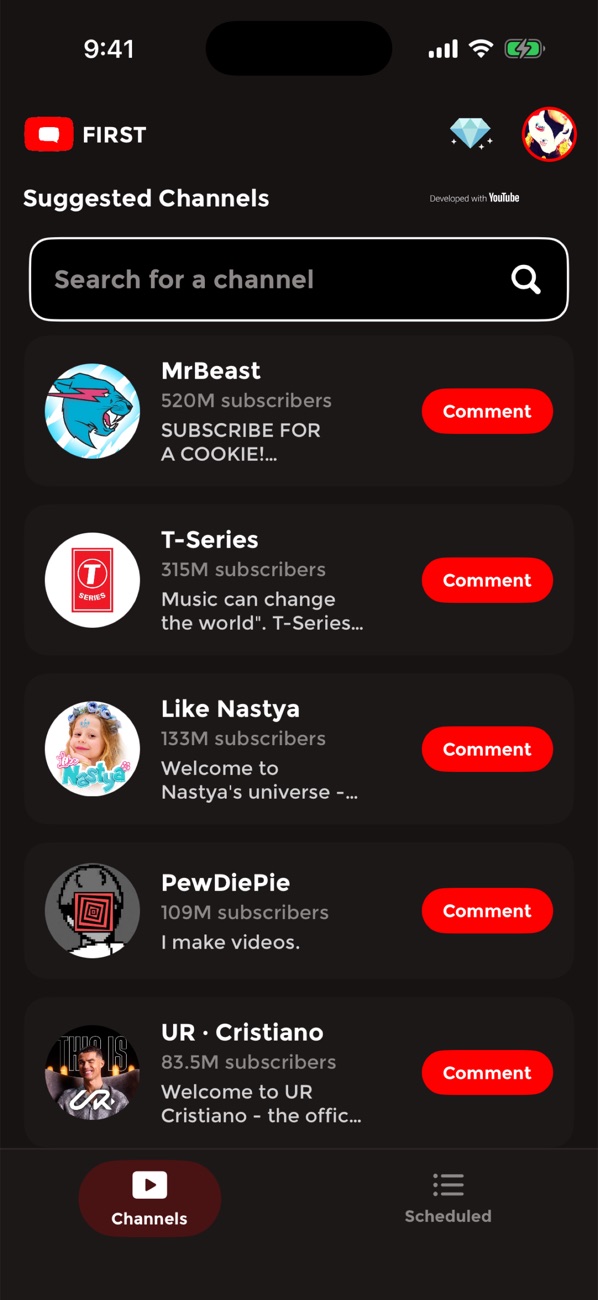
Pick a channel
Sign in with Google and choose which of your YouTube channels you comment from. Search any channel, or pick one of the suggestions.
Write your comment
Up to 80 characters. You confirm it once, and it waits for the channel's next upload.
It goes up the second a video drops
First posts it from your channel and sends you a notification with a link to the video. Tap "Schedule again" for the one after.
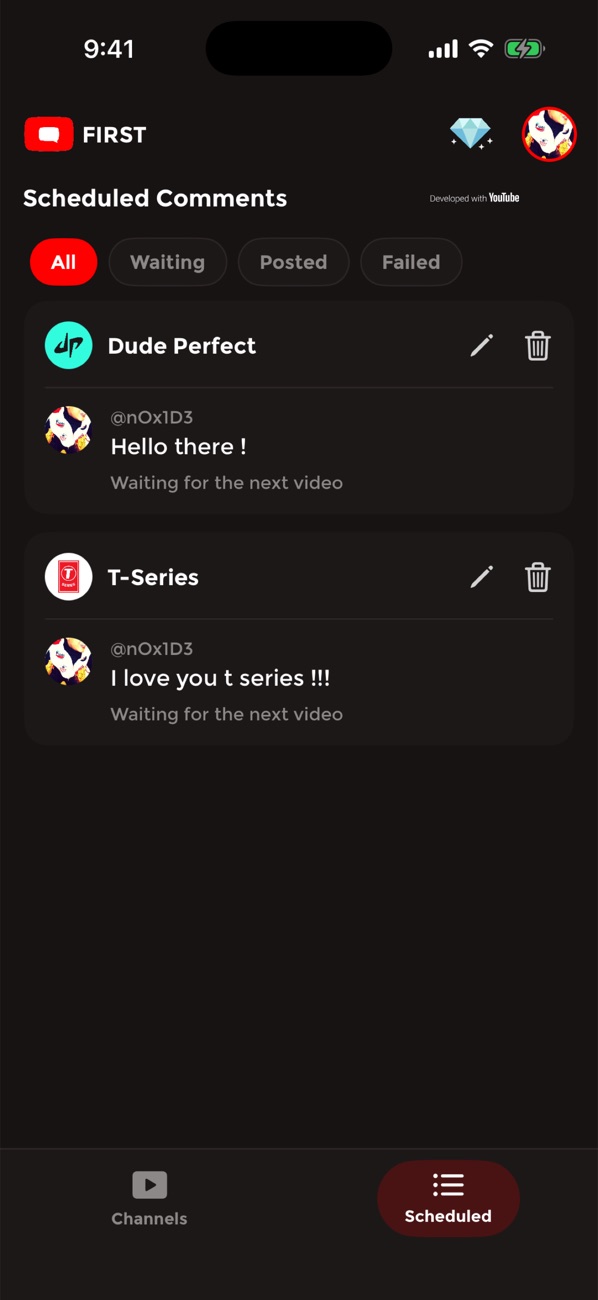
Everything in one list
The Scheduled tab shows every comment and exactly where it stands.
Waiting for the next video
Edit or delete it any time before it posts. Nothing goes out without your confirmation.
Posted on "Video title" · 2 hours ago
Tap it to open the video and see your comment sitting at the top.
Couldn't post: comments are off
When YouTube refuses a comment, you are told why, in plain words, and can schedule it again.
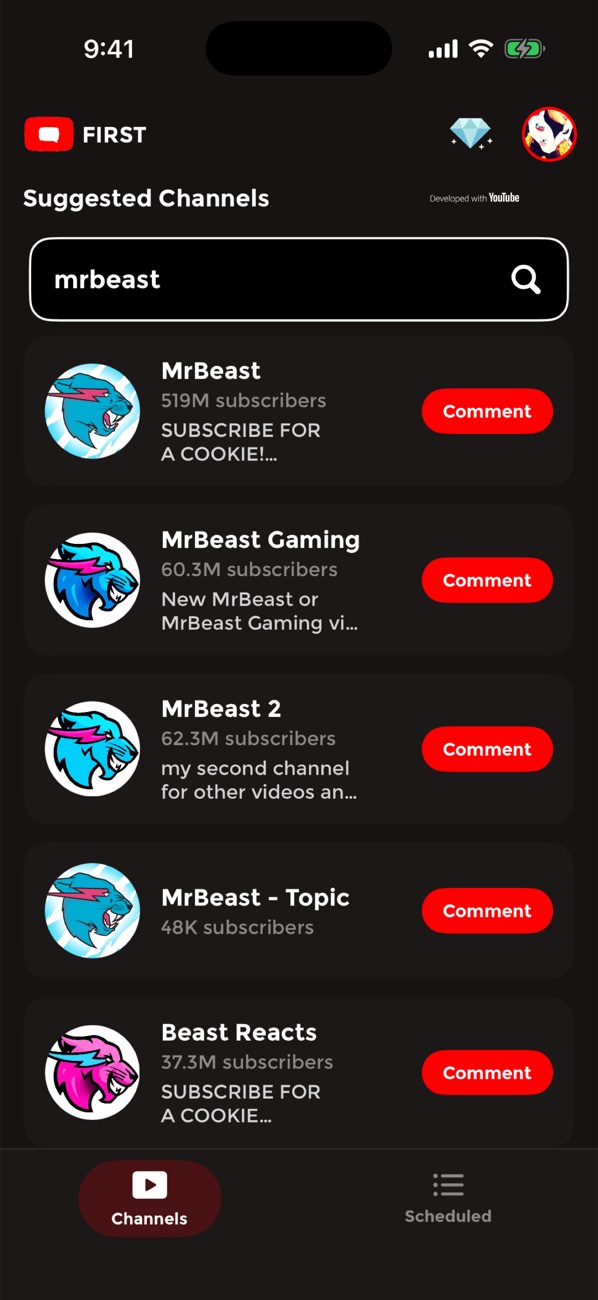
Live channel search
Type a name and the channels appear as you type, with subscriber counts, straight from YouTube.
Your channel, your words
Choose which of your YouTube channels posts. The comment appears on YouTube exactly as you wrote it.
Your data stays yours
First asks for YouTube access only to post what you schedule. Delete your account from inside the app whenever you want.
A look inside
Dark, fast, and built around one job.
Questions
Short answers to the ones we get most.
Does it post on every video the channel uploads?
No. A comment is posted once, on the next video after you confirm it. After that, tap "Schedule again" if you want it on the one after. You stay in control of every post.
Which Google account do I need?
Any Google account that has a YouTube channel. First posts from that channel, under its name. If your account has no channel yet, YouTube lets you create one in a minute.
What does First do with my YouTube access?
One thing: post the comments you scheduled, when the channel uploads. It never reads your history, never subscribes, never likes. You can remove the access from your Google account at any time, and delete your First account from inside the app.
Can I use First on my phone and my tablet?
Yes, with the same account. Notifications go to the device you opened First on most recently.
Why did a comment fail?
Usually because the channel turned comments off on that video, or YouTube's limits were reached. The app tells you which, and you can schedule the comment again for the next video.